
TITTO · MACOS
Private clipboard history for your Mac
Titto keeps everything you copy a keystroke away, searchable and kept strictly on your Mac.
- macOS 13+
- Apple Silicon native
- No account, no analytics
01 — Search
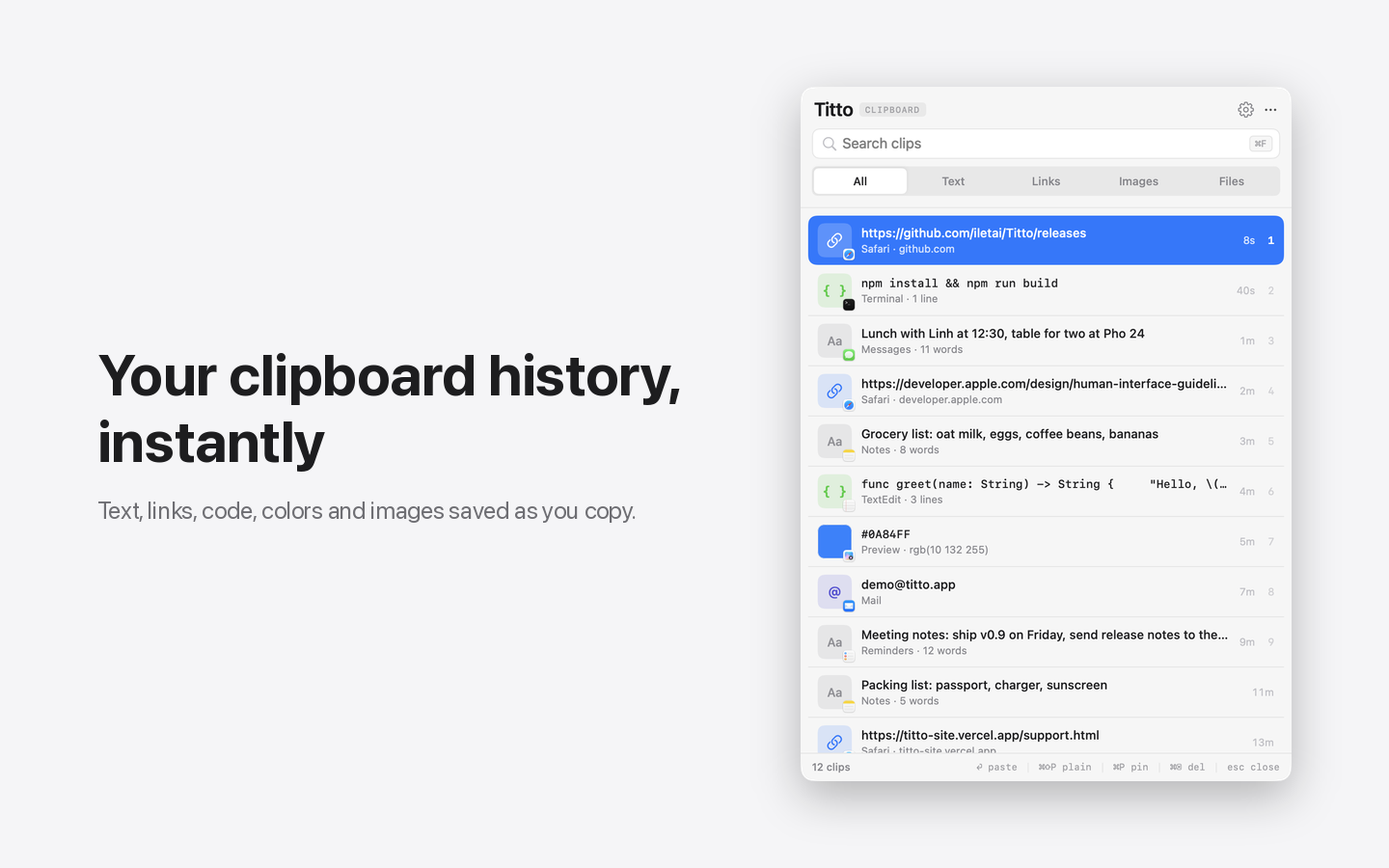
Find it instantly
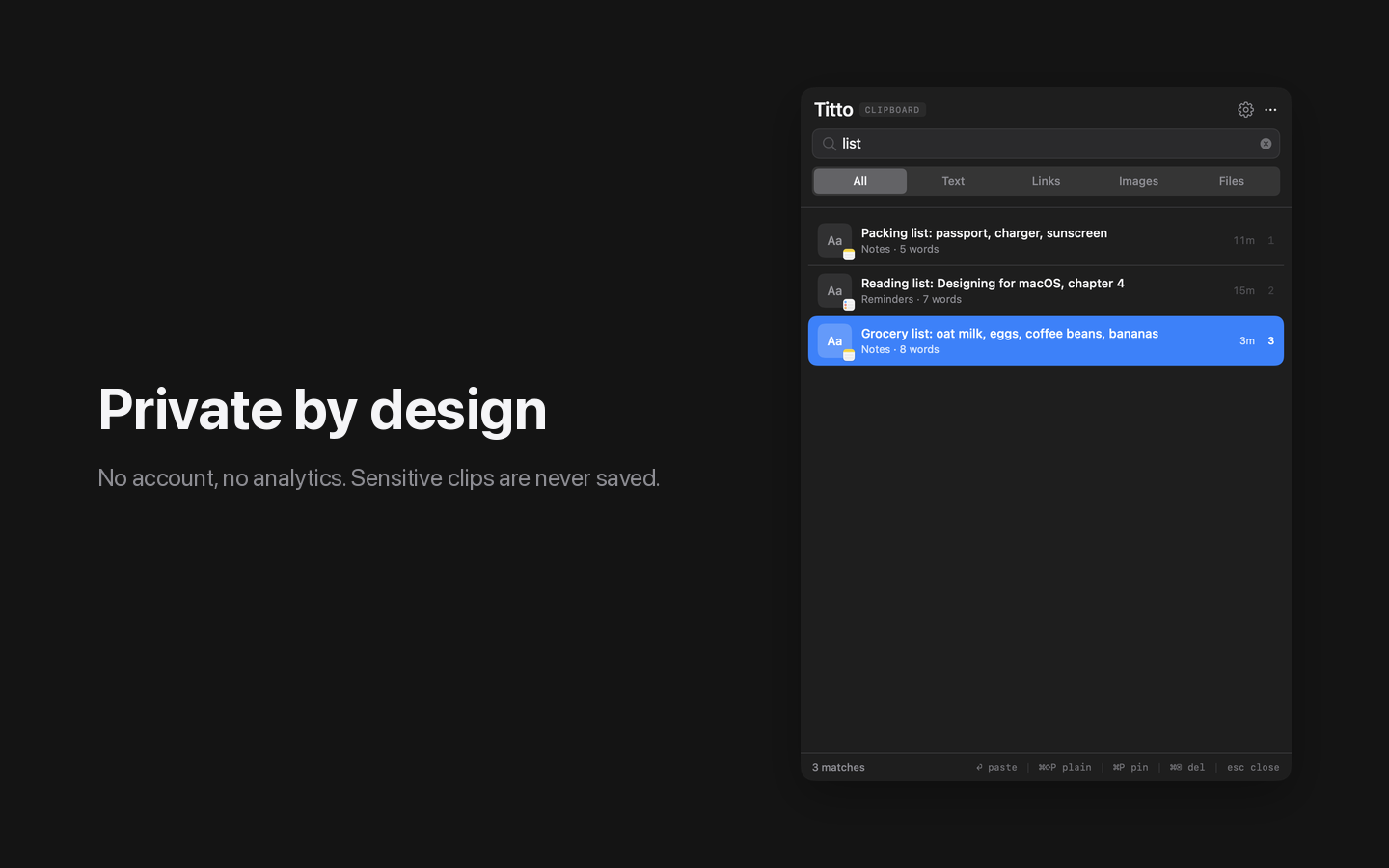
Press ⌘⇧V, type a few letters, and paste. Fast full-text search stays snappy with large histories, and understands Vietnamese without diacritics.
02 — Shortcuts
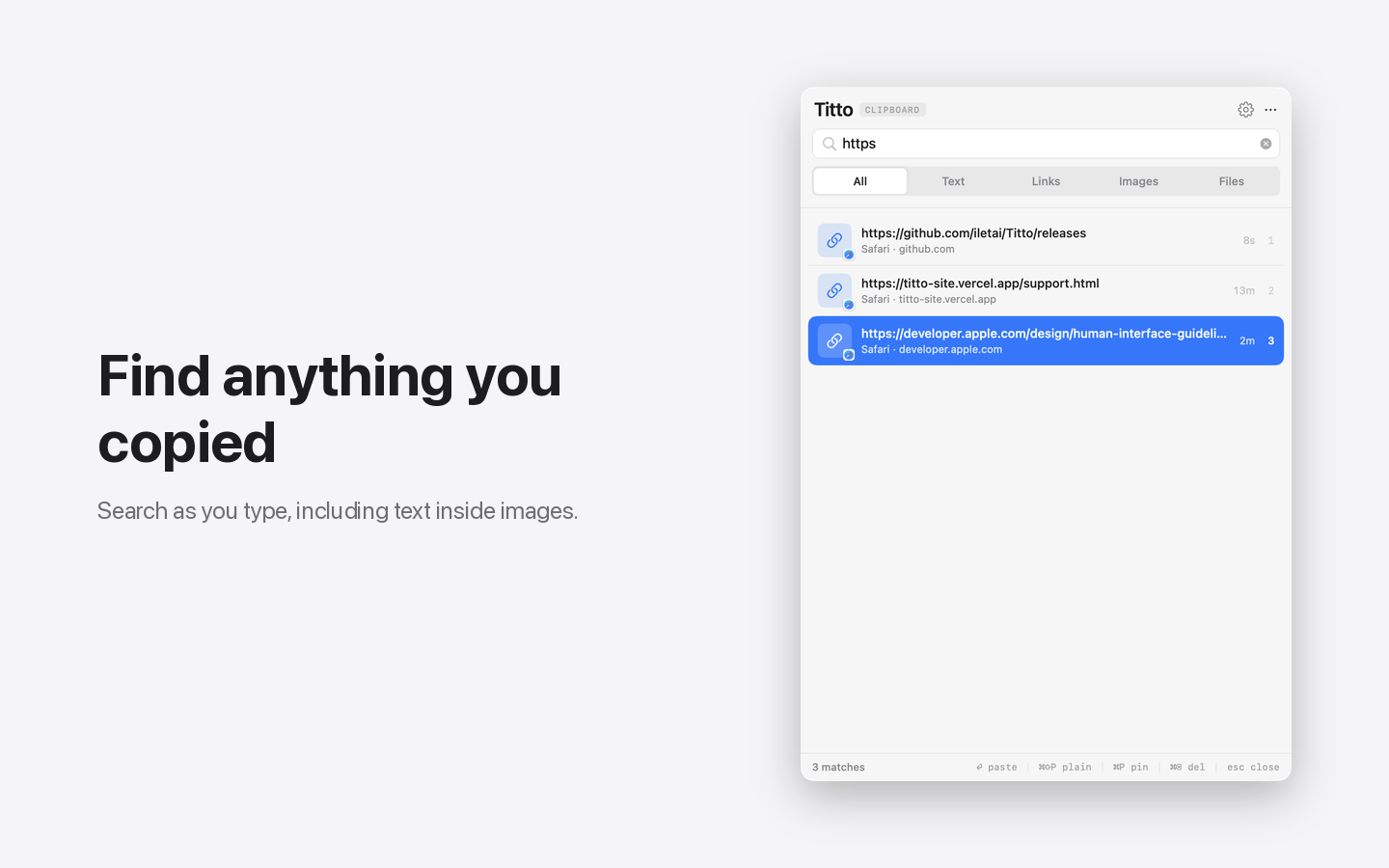
Quick-copy shortcuts
Nine global hotkeys map to your nine most recent clips. Opt in per slot, and pin the clips you reuse most.
03 — Appearance
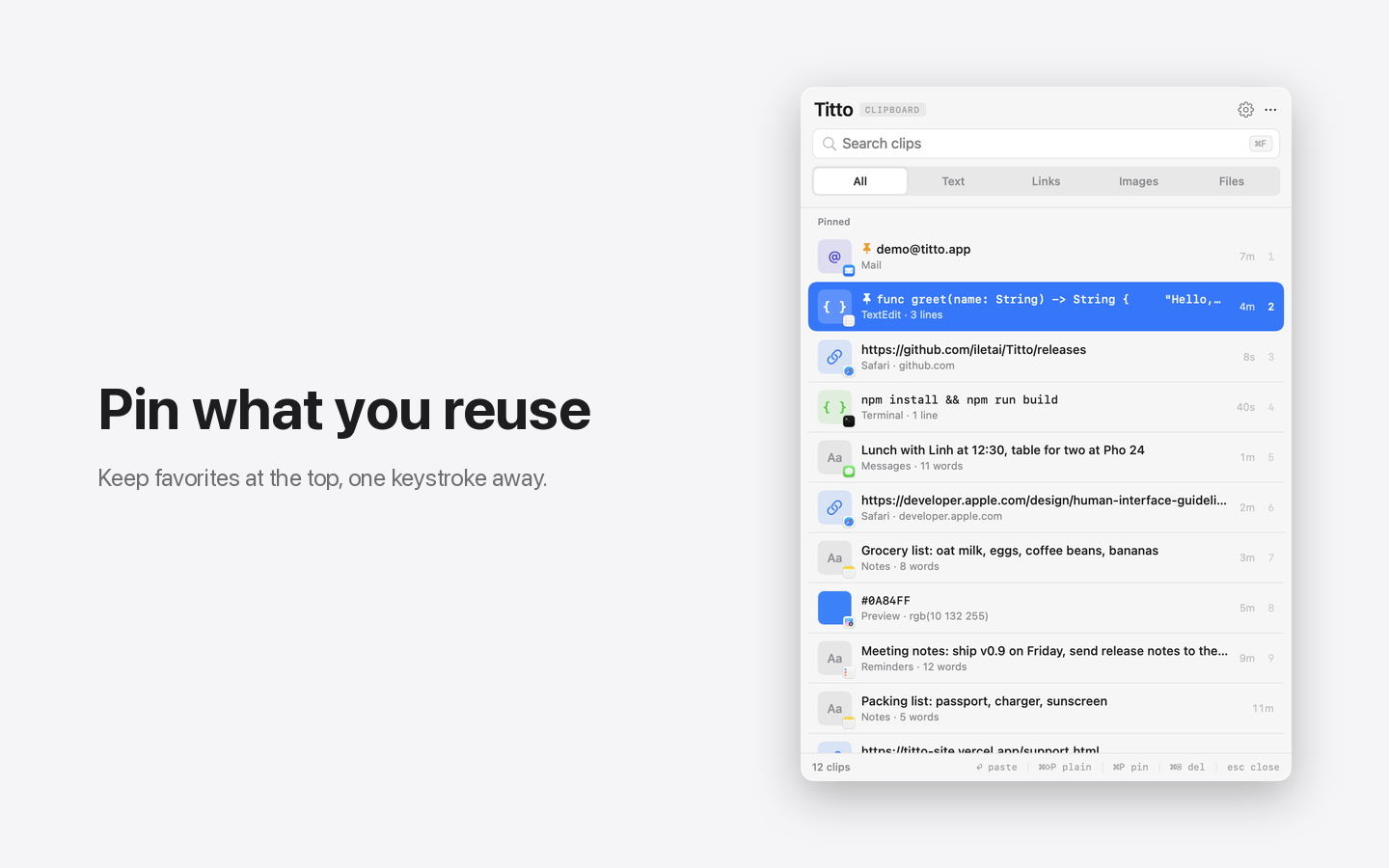
Light or dark
System, Light or Dark appearance, and optional launch at login.
Private by design
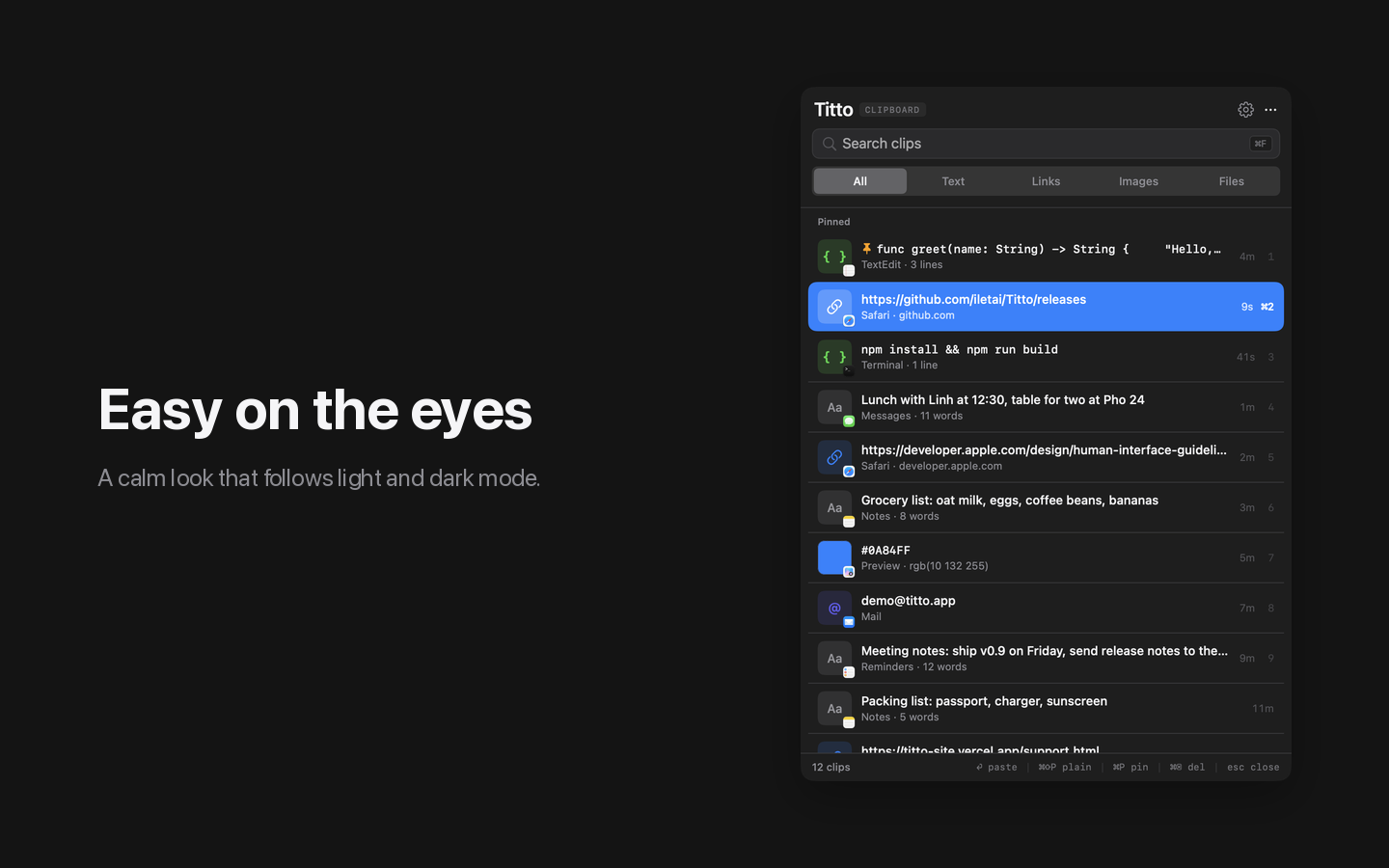
Likely passwords, tokens and card numbers are skipped before they are saved. Your history never leaves your Mac unless you choose otherwise.
Native and light
No Electron, no background web runtime. Built purely in Swift for minimum memory usage and instant wake.
Your panel, your way
A detached, resizable panel with per-display position memory that stays out of your focus until summoned.
More than text
Text, links, code, colors and images, with OCR for text inside images.
04 — Screenshots
Titto on your Mac
05 — FAQ
Questions
How does pasting work?
Titto does not control other apps. Selecting a clip copies it to the clipboard and shows a confirmation; press Cmd+V in the app you are working in to paste.
Where is the Dock icon?
Titto lives in the menu bar and does not show a Dock icon. Click the menu bar icon or press Cmd+Shift+V to get started.
Where is my history stored?
Titto runs entirely on your Mac. Your clipboard history never leaves your device. See the privacy policy.
How do I get help?
Questions, bug reports and feature requests go by email: iletai@hotmail.com. Please include your Titto and macOS versions and steps to reproduce.
Keep every clip a keystroke away.
macOS 13+ · Apple Silicon native · No account, no analytics